Learning Objectives: Going more in depth of the OSI model and learning more about modern computer networks.
Equipment list: Routers, Switches, CD Drive, Networking Card, Hub
Notes, Observation, and Questions: What is your IP address? 192.168.1.106
What protocol is used to dynamically assign IP addresses? DHCP
What is your MAC address? 18-D6-C7-2A-F8-48
Diagrams, flowcharts, and figures:

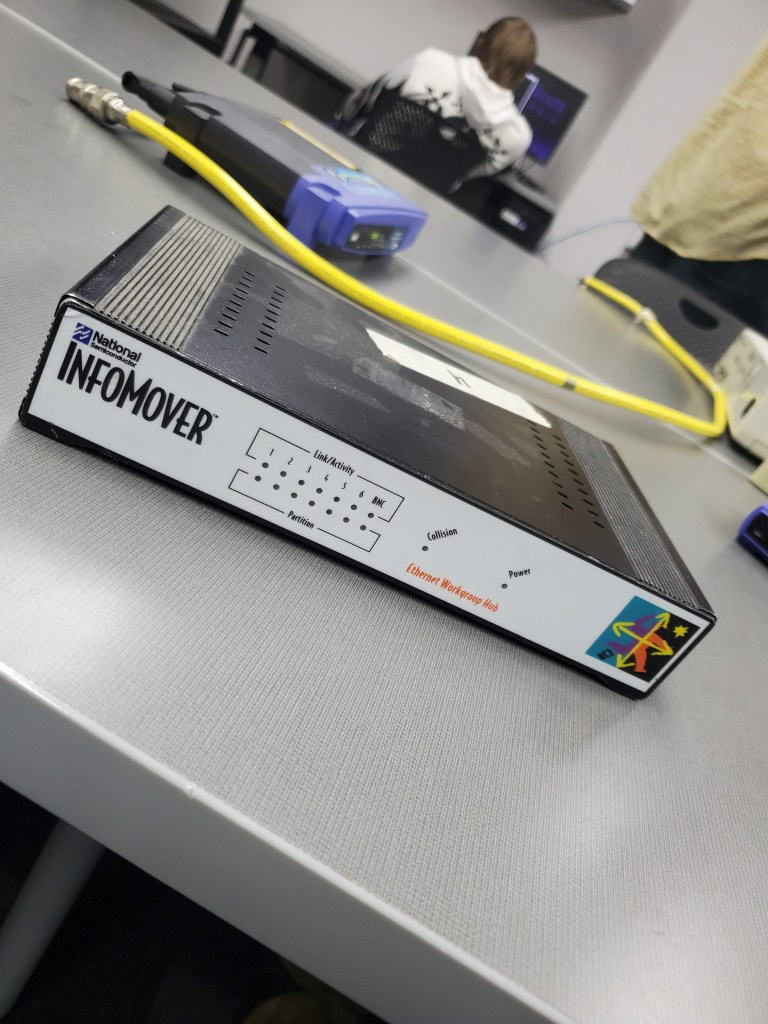
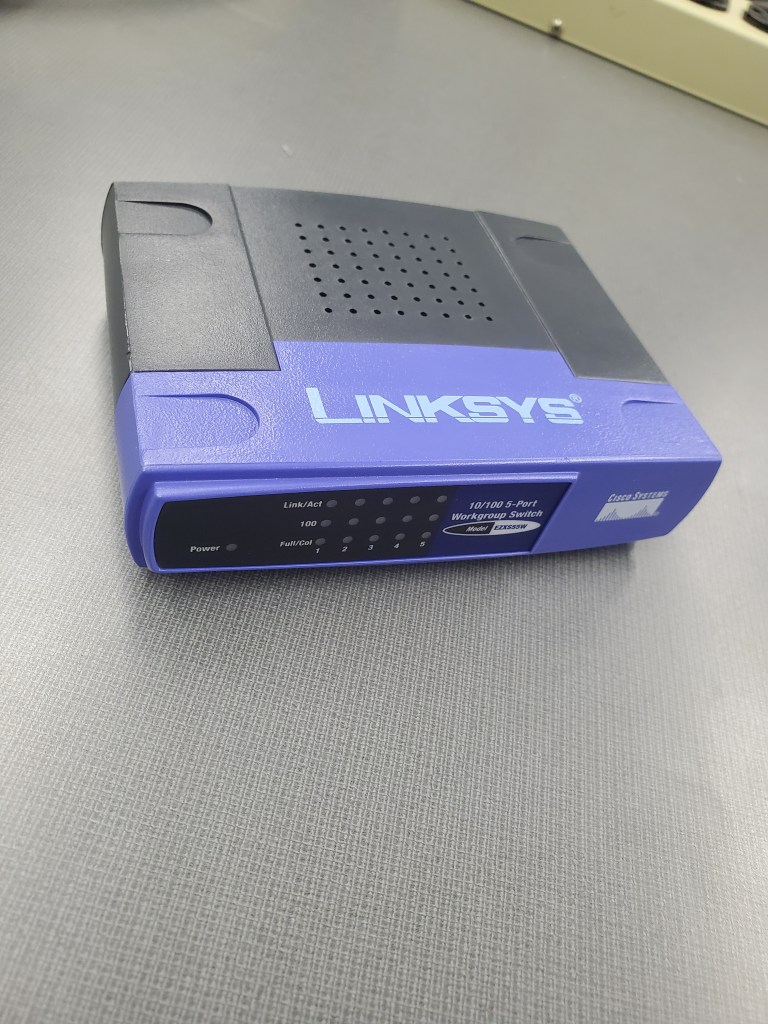

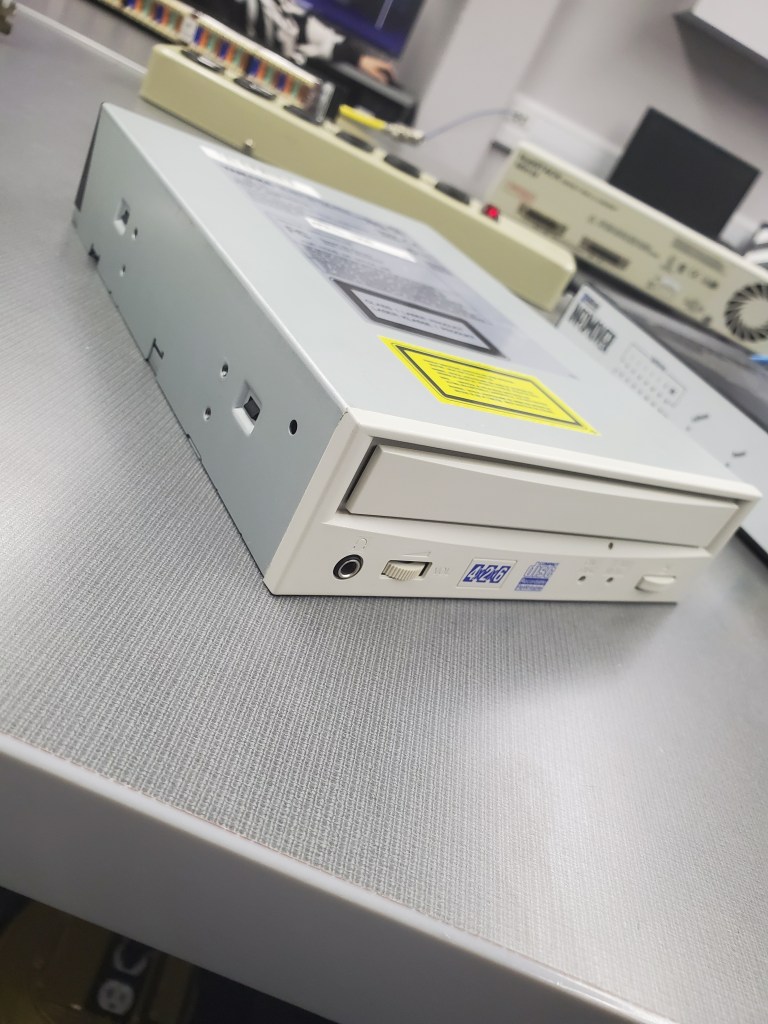
References: Lab 4 Handout, physical aspects of the OSI model
Conclusions: In this lab we used different methods to furthermore understand how layers of the OSI model interact with one another. We analyzed different pieces of the layer of the OSI model and discussed their functionality. After identifying aspects of the lower levels we then executed command prompts using the cmd on our devices to identify our ip address, MAC address, and ping other devices on the network.
Layer 7 – Application
Layer 6 – Presentation
Layer 5 – Session
Layer 4 – Transport
Layer 3 – Network
Layer 2 – Data Link
Layer 1 – Physical
 Garrett Smith's CMST 250 Lab Reports